Where to Book
This applies to benefits labeled The Edit by Chase. Book through Chase Travel and make sure the property is shown as part of The Edit collection before checkout.
Booking Steps
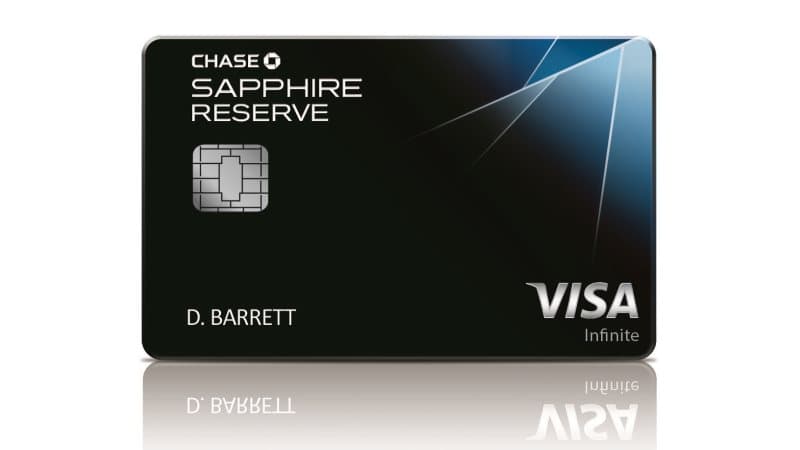
- Open Chase Travel from the account that has the eligible Sapphire card.
- Search hotels and select a property marked The Edit.
- Confirm the annual terms, booking cap, and any two-night minimum before paying.
- Pay with the eligible Chase card.
- Save the booking confirmation and final folio.
Practical Use
- Use it for a stay you expect to complete.
- Track each eligible booking separately when the credit allows more than one annual use.
- Do not assume ordinary Chase Travel hotels qualify.
- Watch for prepaid versus pay-at-property terms in checkout.
Watch Outs
The Edit is its own hotel collection, separate from generic Chase Travel credits. Cancelled bookings can be adjusted later, so the safer workflow is to use the credit for a completed eligible stay.
Avoid
- Booking a regular Chase Travel hotel without The Edit branding
- Treating a cancelled booking as reliable value
- Waiting until the last week of the annual benefit period
- Paying with a different card