Entertainment

How to Use Entertainment Credits

Set up streaming, digital entertainment, ticket, and event credits so they post reliably

Updated May 20, 2026Source: issuer terms plus community data pointsSuggest guide fix

Quick read checklist

What qualifies
How to trigger
Posting timing
DP caveats
What to avoid

Pro Tips

  • Use direct billing with the eligible service
  • Avoid app-store billing unless card terms explicitly allow it
  • Check monthly caps before adding services
  • Keep event-ticket confirmations until credit posts

Setup

  • Check eligible services in your card benefit terms
  • Pay the service directly with the eligible card
  • Avoid app-store billing unless the terms say it qualifies
  • Monitor monthly caps because entertainment credits often reset each month

Event And Ticket Credits

For StubHub or other event credits, pay directly through the named platform and keep the confirmation. Avoid counting on cancelled-event behavior; it is variable and not a reliable product workflow.

Monthly Credit Hygiene

  • Put recurring subscriptions on the correct card
  • Keep one small subscription per monthly credit when possible
  • Check whether taxes or add-ons count toward the cap
  • Revisit eligible services when issuers update benefit terms
Benefits in This Guide

Entertainment$25
$25 Monthly Digital Entertainment Credit
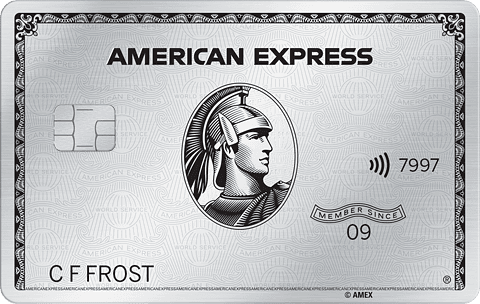
American Express Platinum Card
Resets monthly
Next: Jun 1, 2026
Entertainment$20.83
$20.83 Monthly Apple Subscriptions (TV+ and Music)
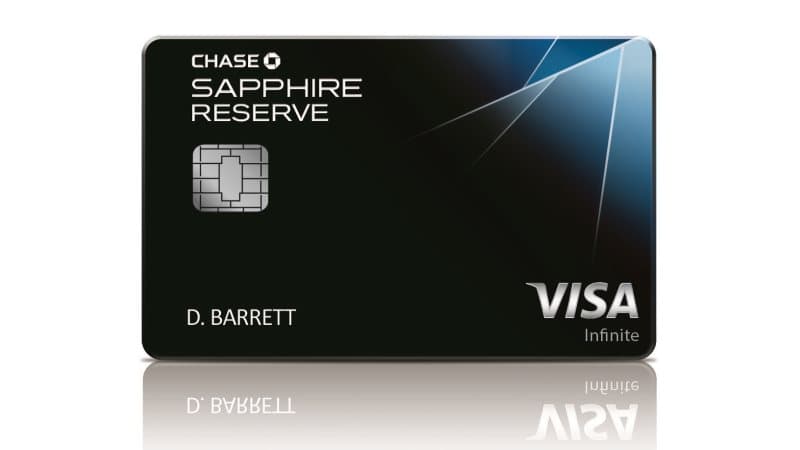
Chase Sapphire Reserve
Resets monthly
Next: Jun 1, 2026